

Comparisons
Canva vs Versely (2026): Design Suite vs AI Creator Suite
Canva vs Versely head-to-head: design templates vs AI generation, pricing, use-case verdicts for marketers, creators, and agencies in 2026.
Canva and Versely are often pitched against each other in 2026 marketing roundups. They should not be. Canva is a design tool with an AI layer. Versely is an AI generation suite with light design on top. The conflation is understandable, because both can produce a finished social post or short video, but the strengths and the workflows are almost entirely opposite.
This is the comparison marketers and content teams actually want to read. Not "which is better" but "for which jobs does each tool win, what is the cost in mid-2026, and how does the workflow combine when you use both." Direct opinions, no fluff, a use-case-by-use-case verdict table at the end.
What Canva is, in 2026
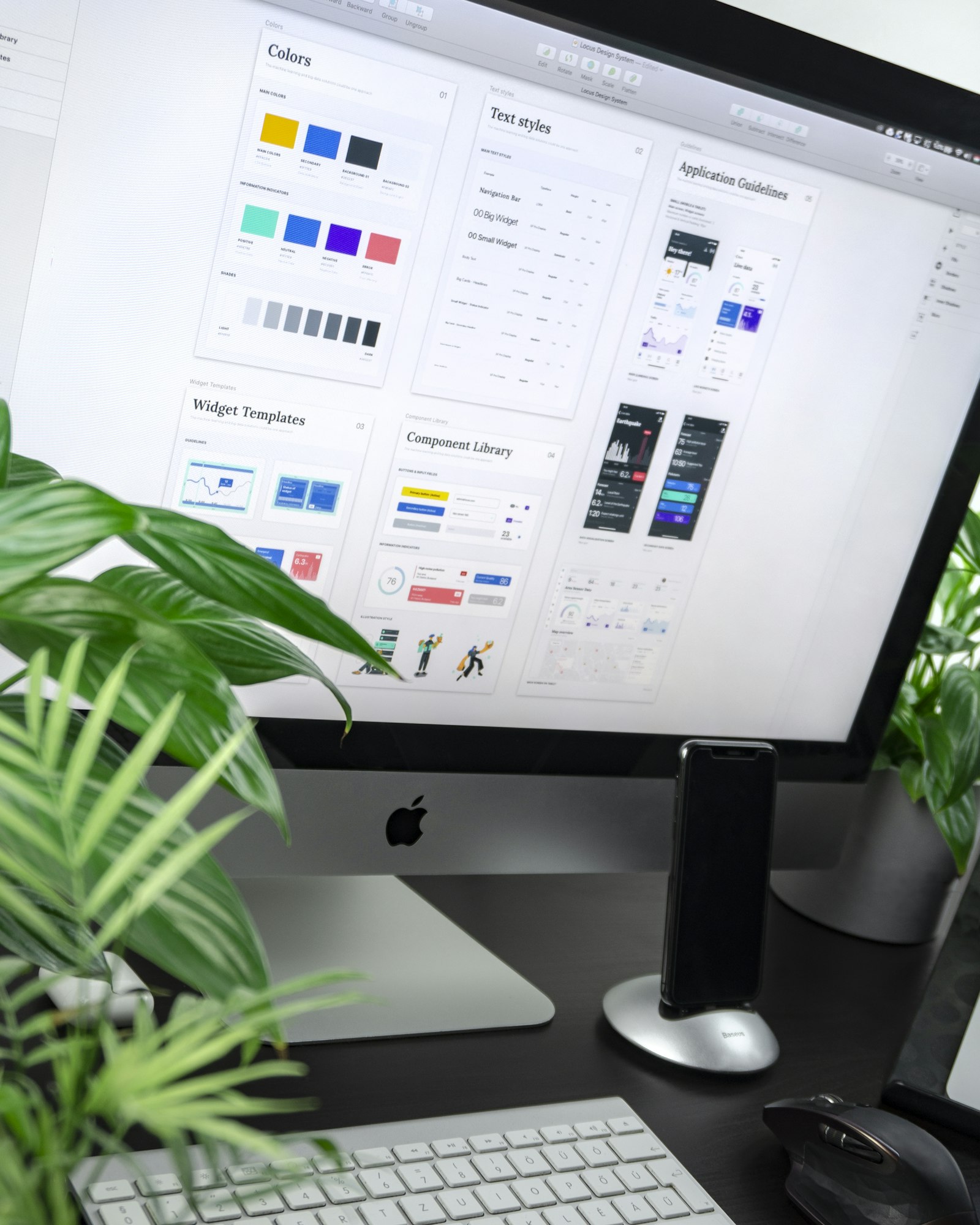
Canva owns the templated-design category. The 2026 product is a mature design surface with thousands of templates, brand kits, team collaboration, a strong stock-photo and stock-video library, and Magic Studio AI features (Magic Write, Magic Design, Magic Edit, Magic Media, Magic Switch, Magic Animate). Pricing is free for the basic tier, roughly 15 dollars a month for Canva Pro, 30 dollars per seat for Canva Teams, and custom enterprise pricing.
What Canva does well: design. If your output is a social post, presentation deck, document, slide carousel, or printable, nothing matches Canva on speed of producing on-brand work. The brand-kit enforcement, the template variety, and the multi-format autoresize make it the default tool for marketing teams that produce dozens of pieces a week across formats.
What Canva does not do well in 2026: generation at scale. Magic Media surfaces decent stock and a thin AI generation layer, but the underlying models lag VEO 3.1, Sora 2, Kling 2.5, Flux Pro Ultra, and Midjourney V7 by a generation. Canva's video editor is functional but not class-leading. Voice cloning, lipsync, and music generation are absent or basic.
What Versely is, in 2026
Versely bundles the best generative AI models in each category behind a single routing layer. Video models include VEO 3.1, Sora 2, Kling 2.5, Hailuo, Wan 2.5, and LTXV2. Image models include Flux Pro Ultra, Imagen 4, GPT Image, and Midjourney V7. Audio includes ElevenLabs voice cloning and Suno music. The stack is rounded out by a native lipsync engine and pipeline tools for slideshows, multi-scene movies, and UGC-style content.
Pricing in 2026 is roughly 19 to 99 dollars a month for solo and small-team plans, with consumption-based credit allocations for premium model use.
What Versely does well: generation. The /tools/text-to-image tool routes prompts to whichever model fits best. The /tools/ai-video-generator does the same for video. The /tools/ai-movie-maker chains scenes into multi-shot narratives. The /tools/ai-lipsync syncs avatars to any voice track.
What Versely does not do well in 2026: templated design. There is no slide deck builder, no doc tool, no print pipeline, no equivalent of Canva's brand-kit enforced template library. For a designer producing a 12-piece social campaign across formats, Canva is the right tool, not Versely.

Head-to-head: the comparison table
| Capability | Canva | Versely | Verdict |
|---|---|---|---|
| Templated design (social, decks, docs) | Strongest | None | Canva |
| Brand kit enforcement | Strongest | Mid | Canva |
| AI image generation | Mid (Magic Media) | Top-tier multi-model | Versely |
| AI video generation | Limited | Top-tier multi-model | Versely |
| AI voice cloning | None | Top-tier (ElevenLabs) | Versely |
| AI lipsync | None | Native | Versely |
| AI music generation | None | Native (Suno) | Versely |
| Stock photo library | Strongest | Limited | Canva |
| Stock video library | Strong | Limited | Canva |
| Multi-format autoresize | Strongest | Mid | Canva |
| Slide deck builder | Strongest | None | Canva |
| Print and merch pipeline | Strongest | None | Canva |
| Multi-scene movie pipeline | None | Native (/tools/ai-movie-maker) | Versely |
| UGC overlay pipeline | Manual | Native (/tools/ugc-video-generator) | Versely |
| Slideshow with AI visuals | Mid (templates) | Strong (generated visuals) | Versely |
| Team collaboration | Strongest (Teams) | Strong | Canva |
| Pricing entry tier | Free (very usable) | 19 dollars a month | Canva |
| Pricing power tier | 30 dollars per seat | 99 dollars a month | Canva |
The pattern is unambiguous: Canva wins everything that involves design, templates, and breadth of formats. Versely wins everything that involves generation, voice, video, and lipsync.
Pricing reality check
Canva Pro at 15 dollars a month is one of the best value tools in marketing software. The free tier is genuinely capable. Most solo marketers do not need to upgrade for months.
Versely at 19 to 99 dollars a month is priced as a generation platform. Premium model usage (VEO 3.1, Sora 2, Midjourney V7) consumes credits per generation. If you are producing visuals at low volume, the entry tier covers it. At higher volume, the consumption layer is the cost.
The combined cost of Canva Pro plus a Versely starter is roughly 35 to 50 dollars a month. That is what most serious marketing teams spend, and the combination is what 2026 brand workflows actually look like.
Use-case-by-use-case verdicts
Designing a 10-piece Instagram campaign across feed, story, and reel formats: Canva. Multi-format autoresize is the entire reason Canva exists.
Generating a hero AI image for the campaign cover: Versely. The image quality from Flux Pro Ultra or Midjourney V7 routed through /tools/text-to-image is a generation ahead of Canva's Magic Media.
Building a pitch deck for a client: Canva. There is no second answer here.
Producing AI video b-roll for a SaaS explainer: Versely. Use /tools/ai-video-generator routing to VEO 3.1 or Kling 2.5.
Making LinkedIn carousels with brand kit enforcement: Canva. The slide-by-slide template engine is exactly the right tool.
Creating a multi-scene narrative video for an ad: Versely /tools/ai-movie-maker. Canva does not do scene-by-scene generation.
UGC-style ad creative with talking head plus product: Versely /tools/ugc-video-generator. Canva can manually composite but not at scale.
Resizing one piece of content into 12 platform formats: Canva Magic Switch.
Generating a cloned voiceover for a product video: Versely /tools/ai-voice-cloning. Canva does not have ElevenLabs-grade voice.
Lipsync of an avatar to a localized voice track: Versely /tools/ai-lipsync. Canva does not have lipsync.
Print collateral, business cards, merch designs: Canva. Versely is not in this category.
AI-generated music for a brand video: Versely (Suno). Canva uses stock music only.
Solo creator producing daily Instagram content: Canva for layout and formats, Versely for generated assets, combined.
The combined workflow most marketing teams actually run
Serious marketing teams do not pick one tool. They run the combination. A typical workflow:
- Campaign concept sketched in a brief or Notion doc.
- Generate hero visuals in Versely /tools/text-to-image, routing to Flux Pro Ultra or Midjourney V7 for stills, VEO 3.1 or Kling 2.5 for video.
- Generate voiceover and music in Versely through /tools/ai-voice-cloning and the Suno-backed music tool.
- Lipsync any avatar shots through /tools/ai-lipsync.
- Export raw assets as PNG, MP4, and MP3 files into a shared drive.
- Layout and brand application in Canva: drop generated visuals into Canva templates, apply brand kit, autoresize across formats.
- Schedule and publish through Canva's native scheduler or a separate social tool.
This is the workflow Canva and Versely were both effectively designed to participate in. Versely is the generation source. Canva is the design and distribution layer.
For more context on the model landscape underneath, see best AI video generation models 2026 and the Canva alternatives roundup.
Where Canva is genuinely better than Versely
Canva wins on:
- Templated design at scale. The template library is the largest in the industry, and the brand-kit enforcement keeps team output consistent.
- Multi-format autoresize. Magic Switch is best-in-class for repurposing one design across platforms.
- Slide decks and documents. No competitor matches Canva on presentation and doc workflows inside a design tool.
- Stock photo and video breadth. Canva's library is broader than what Versely surfaces.
- Free-tier usability. Canva Free is more capable than most paid design tools.
- Print and merch pipeline. Canva ships physical product. Versely does not.
- Team collaboration on design files. Canva Teams is mature, Versely is newer here.
If your work is 80 percent design and 20 percent generation, Canva is the answer.
Where Versely is genuinely better than Canva
Versely wins on:
- AI image quality. Flux Pro Ultra, Imagen 4, Midjourney V7 routed through one API. Canva's Magic Media is competent but a generation behind.
- AI video generation. VEO 3.1, Sora 2, Kling 2.5, Hailuo. Canva does not seriously compete here.
- AI voice cloning. ElevenLabs-grade output. Canva does not have this.
- AI lipsync. Versely has it native. Canva does not.
- AI music generation. Suno integration. Canva uses stock only.
- Multi-scene movie pipeline. /tools/ai-movie-maker generates narratives. Canva does not.
- UGC overlay automation. /tools/ugc-video-generator automates the overlay workflow. Canva is manual.
If your work is 80 percent generation and 20 percent design, Versely is the answer.
FAQ
Is Canva Pro worth it in 2026?
For any marketing team or freelance designer, yes. At 15 dollars a month it is one of the best value tools in software. The brand kit, autoresize, and template library justify the cost in any serious workflow.
Does Versely replace Canva?
For most workflows, no. Versely replaces the generation half of the stack. Canva remains the design and layout half. Most serious teams run both.
Can Canva and Versely integrate directly?
Not natively in 2026. The hand-off is via standard file export from Versely (PNG, MP4, MP3) and import into Canva. The friction is low but a native integration would be welcome.
Is Canva's Magic Media good enough to skip Versely?
For low-stakes social posts, sometimes. For brand work, ad creative, hero imagery, or anything where image quality affects performance, no. The model gap to Flux Pro Ultra and Midjourney V7 is real.
Which tool is better for a solo creator on a budget?
Canva Pro alone if your content is design-heavy (carousels, decks, layouts). Versely starter alone if your content is generation-heavy (AI video, AI imagery). The combined stack at 35 to 50 dollars a month covers both.
Closing
Canva and Versely are complementary halves of a 2026 brand stack, not competitors. Canva is the world's best templated-design tool with a mid-tier AI layer. Versely is the world's most consolidated generative AI suite with light design support. The right question is not "which one wins" but "where in my workflow does each one sit."
If you only generate occasionally, stay on Canva and use Magic Media when it suffices. If you generate constantly, add Versely as the source layer and keep Canva for layout, brand application, and multi-format distribution. The combined cost is under 50 dollars a month for most marketing teams, less than the price of a single enterprise design license.
Run one campaign through both: generate the hero asset in Versely, lay it out across formats in Canva, and ship. That single test will show you exactly where the seam between the two tools belongs in your workflow.