

Workflows
How to Make an AI Conference Recap Video in 2026
Build a 60-90 second AI-powered conference recap that captures the best moments, ships within 24 hours, and earns LinkedIn impressions long after the event ends.
The half-life of a conference moment is about 18 hours. By day three, the people who were not in the room have moved on, the attendees have stopped scrolling event-related content, and the keynote that felt seismic on Tuesday is forgotten by Friday. If you wait a week to ship the recap video, you have already lost.
The fix is not to staff up a five-person video team. It is to run a tight AI workflow that lets a single producer ship a polished 60-90 second recap inside 24 hours of the event closing. Here is the system.
1. Decide what the recap is actually for
Most conference recaps fail because they try to do three jobs at once: thank sponsors, summarise sessions, and sell next year's tickets. Pick one. The rest live in separate assets.
Three recap formats that work in 2026:
- The attendee gift. A 60-second emotional cut sent to every attendee the morning after. Goal: they post it themselves.
- The LinkedIn proof reel. A 75-second highlight built for non-attendees. Goal: FOMO that converts to a waitlist signup.
- The sponsor reel. A 90-second cut featuring sponsor activations. Goal: renewal conversations next quarter.
Build all three from the same captured footage but write a different script for each. The asset is the script, not the b-roll.
2. Capture the right footage on the day
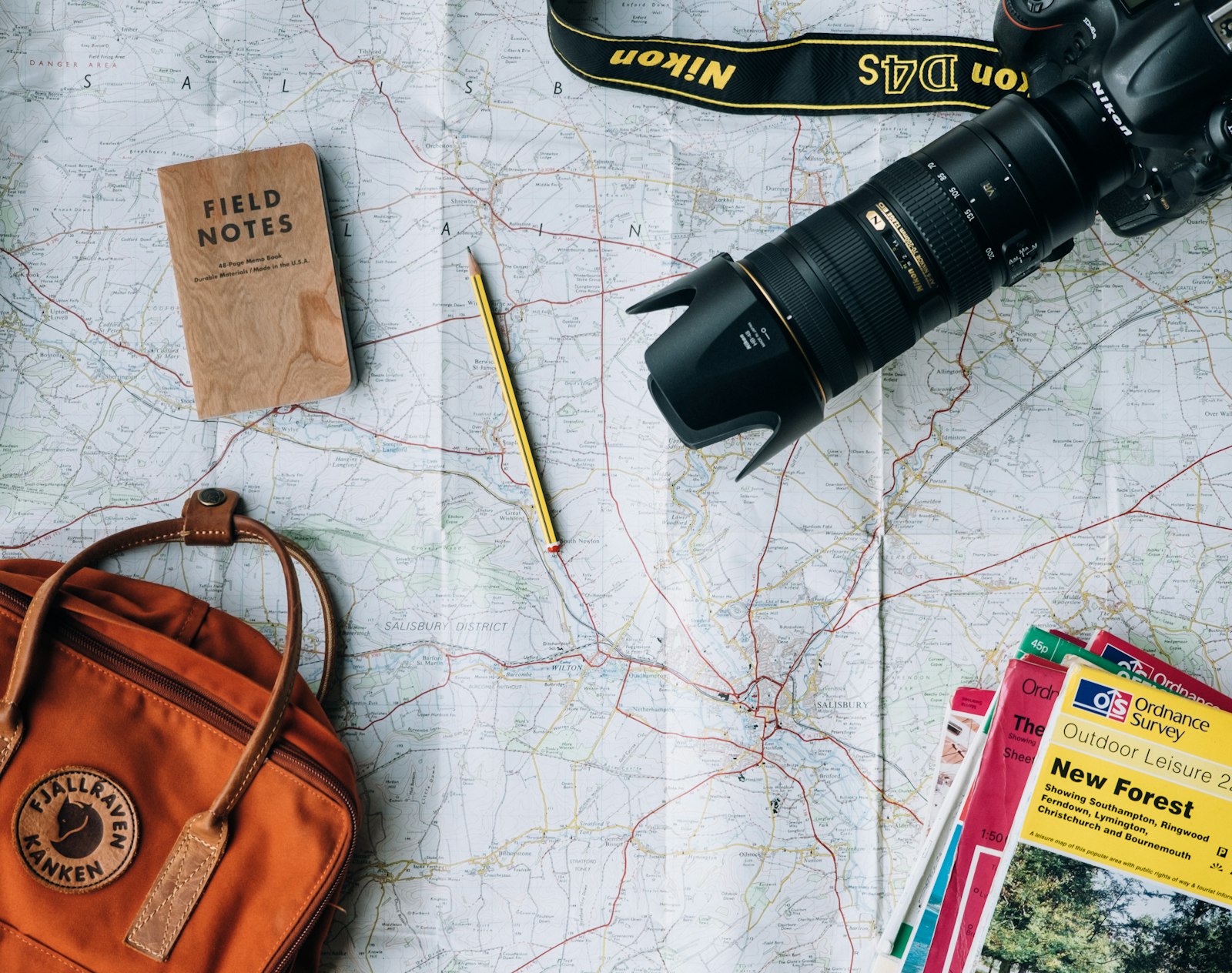
You do not need a film crew. You need one person with a phone, one person with a mirrorless, and a clear shot list written before the event opens.
The non-negotiable shots:
- Wide of the audience reacting to the headline keynote
- Close-up on a single attendee laughing or applauding
- The speaker mid-gesture from a low angle
- Hallway texture: badges, lanyards, coffee, handshakes
- Brand moments: stage logo, signage, sponsor booths
- One unscripted attendee testimonial, recorded vertical, 15 seconds max
If you only get those six shots, you have enough raw material. Anything beyond that is editing burden.

3. Write the recap script before you import a single clip
Open a doc on the train home. Write the script for the LinkedIn proof reel in three blocks:
- Seconds 0-7: the hook. One spoken line that reframes the event. Not "What a week!" Try "Three thousand operators in one room. Here is the one thing every founder I met agreed on."
- Seconds 7-55: the proof. Three to five short statements, each tied to a specific moment from the event. Numbers, names, contradictions.
- Seconds 55-90: the close. The conclusion the event earned, plus a CTA for next year's waitlist or the on-demand replay.
Read it aloud. If it sounds like a press release, rewrite it. The recap should sound like a friend texting you about what they just saw.
4. Fill the gaps with AI b-roll, not stock
Live event footage will always have holes. Crowd shots that are too dark. Speaker shots where the slide is more interesting than the face. Transition beats with nothing visual to anchor them. This is where AI b-roll earns its budget.
Open Versely's AI b-roll generator and write three to five prompts that match the visual world of your event. Cinematic abstracts work better than literal recreations — the audience knows you did not film a CGI cityscape, but a 2-second VEO 3.1 atmospheric beat between two crowd shots gives the cut breathing room.
Sample prompts that ship well:
- "Cinematic slow push-in on a glass conference centre at golden hour, lens flare, anamorphic, shallow focus, 4 seconds"
- "Macro shot of a champagne glass clinking, slow motion, warm bokeh in the background, 3 seconds"
- "Aerial drone shot pulling away from a city convention district at dusk, lights coming on in office windows, cinematic, 5 seconds"
Use text-to-image for any title cards or pull-quote overlays. Flux 1.2 Ultra and Midjourney v7 both produce typography-friendly compositions when you prompt for negative space.
5. The 90-minute build workflow
This is the order of operations a single producer can run between landing back home and end of day.
- Cull the footage. Pull every clip into a project. Mark the keepers — usually 12-18 clips for a 75-second cut. Delete everything else from your working folder so you stop second-guessing.
- Lock the voiceover. Record yourself or run the script through your cloned voice in AI voice cloning. Export as a single WAV. This is the timing spine.
- Generate AI b-roll. Queue 5-8 b-roll prompts in one batch in the AI b-roll generator. Use Kling 3.0 or Hailuo for quick cinematic beats and reserve VEO 3.1 or SORA 2 for the one or two hero shots that need real camera movement.
- Score it. Generate a 90-second instrumental in Suno v5.5 with a clear emotional arc. Prompt example: "Triumphant cinematic instrumental, sparse strings building to anthemic drums, single emotional drop at the 50-second mark, 90 seconds total."
- Assemble in the AI video generator. Drop the voiceover on track one, music underneath at -18dB, and lay your captured footage and AI b-roll across the timeline. Cut every 1.5-2 seconds for the first 30 seconds, then let the back half breathe with 3-4 second clips.
- Burn captions. LinkedIn autoplay is muted. Word-by-word captions on the bottom third, with the speaker name and title every time a new attendee appears.
- Export three aspect ratios. 9:16 for TikTok, Reels and LinkedIn mobile. 1:1 for LinkedIn feed. 16:9 for YouTube and the post-event email.
- Generate the thumbnail. Use the AI thumbnail generator for the YouTube version. One face, one big number, one event logo.
Total active time once you have done it twice: 75-110 minutes.
6. The five mistakes that kill conference recaps
- Shipping seven days late. The window closes at 48 hours. After that, the recap is a portfolio piece, not a marketing asset.
- Sponsor logos in the first five seconds. Open with the moment. Sponsors get a clean card at second 60.
- Wall-to-wall stock music with no dynamics. Pick a track with a build. Cut to the build.
- Voiceover that lists the agenda. No one cares which session was at 2pm. They care what the room felt like.
- One asset, one platform. Cut the same footage three different ways for three different audiences. Attendees get the gratitude cut. Prospects get the FOMO cut. Sponsors get the proof cut.
FAQ
How fast should I ship a conference recap?
Within 24 hours of the closing keynote, ideally within 12. The conversation moves on by day three. If you cannot ship in 24 hours, ship a 30-second teaser the same night and the full 75-second cut by lunch the next day.
Do I really need AI b-roll if I shot the event?
Yes — for two reasons. First, you will always have transition gaps that captured footage cannot fill cleanly. Second, AI atmospheric beats give the cut a cinematic register that handheld phone footage cannot reach on its own. Used sparingly, AI b-roll is the glue, not the meal.
What music tempo works best for event recaps?
Mid-tempo with a single emotional build. Around 100-115 BPM. Avoid anything that peaks early — the build needs to land at the second-50 to 65 mark, where the script transitions from proof to close. Generate three options in Suno v5.5 or Lyria and pick the one with the cleanest dynamic range.
How do I distribute the recap to attendees?
Send a personalised email with the 9:16 vertical embedded and a one-line CTA to repost. Add the 1:1 version to the post-event LinkedIn page post and tag every speaker. Drop the 16:9 cut into the on-demand replay landing page above the fold. Three surfaces, one asset, no extra production.
Can I reuse the recap workflow for smaller events?
Yes, and you should. The same 90-minute workflow scales down to a 30-person dinner or a one-day workshop. The script gets shorter, the b-roll gets simpler, but the structure holds. For a half-day workshop, aim for a 45-second cut with two AI b-roll inserts and one attendee soundbite.
Ship the recap, not the highlight reel
Conference recaps are not director's cuts. They are signal. The best ones get reposted by attendees within hours, get clipped by sponsors within days, and become the thumbnail your sales team uses to sell next year's event.
Run the workflow tight, ship inside 24 hours, and treat the recap as the most-leveraged asset of the entire event budget. For a deeper system on turning event capture into evergreen content, read the AI content creation 2026 playbook next.